

Get the AIO Team app
Shifts, tasks & team chat
For everyone who works at a store that runs on AIO. Your store invites you; then your schedule, today's tasks, the store chat and the manuals are on your phone.


 Scan to open on your phoneaiofranchise.com/app
What's in the app
- Home
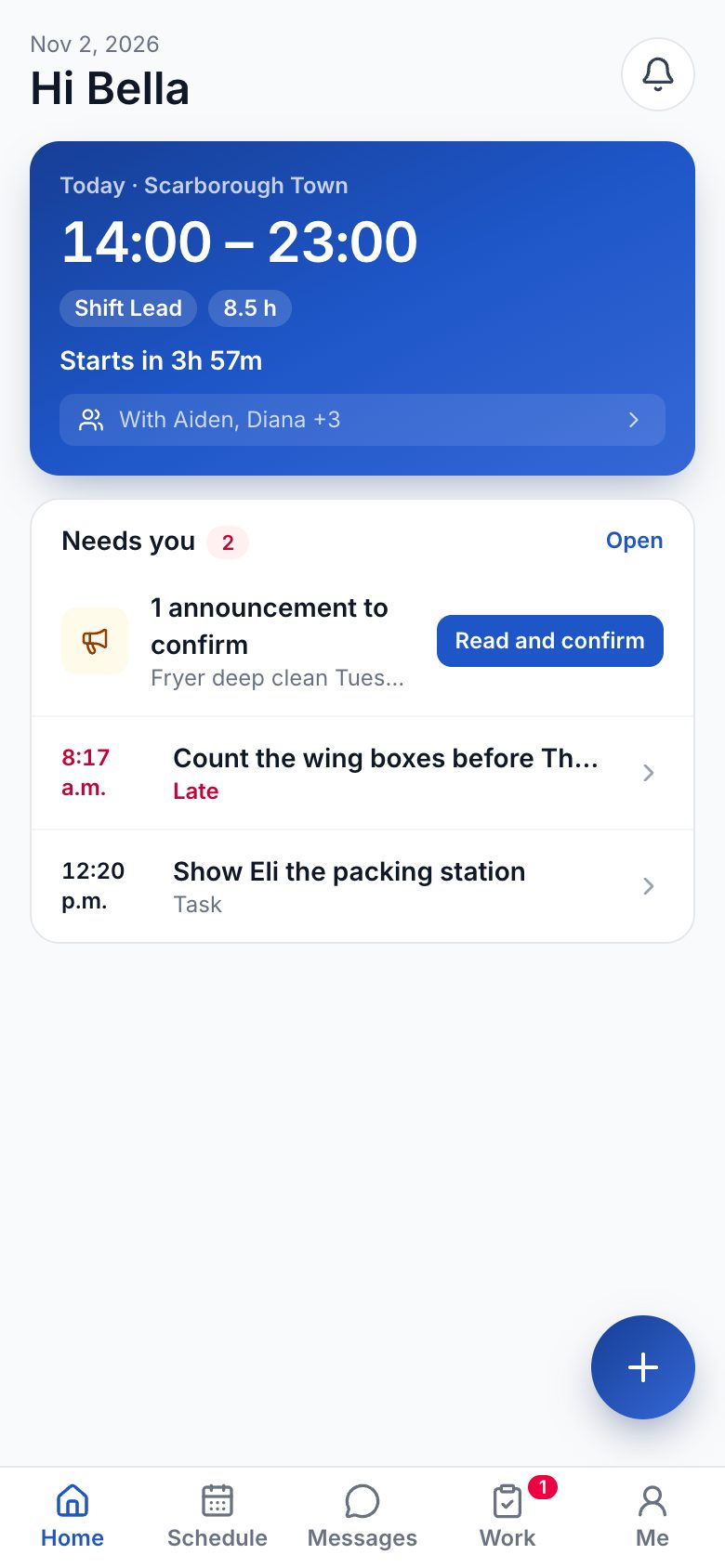
- Schedule
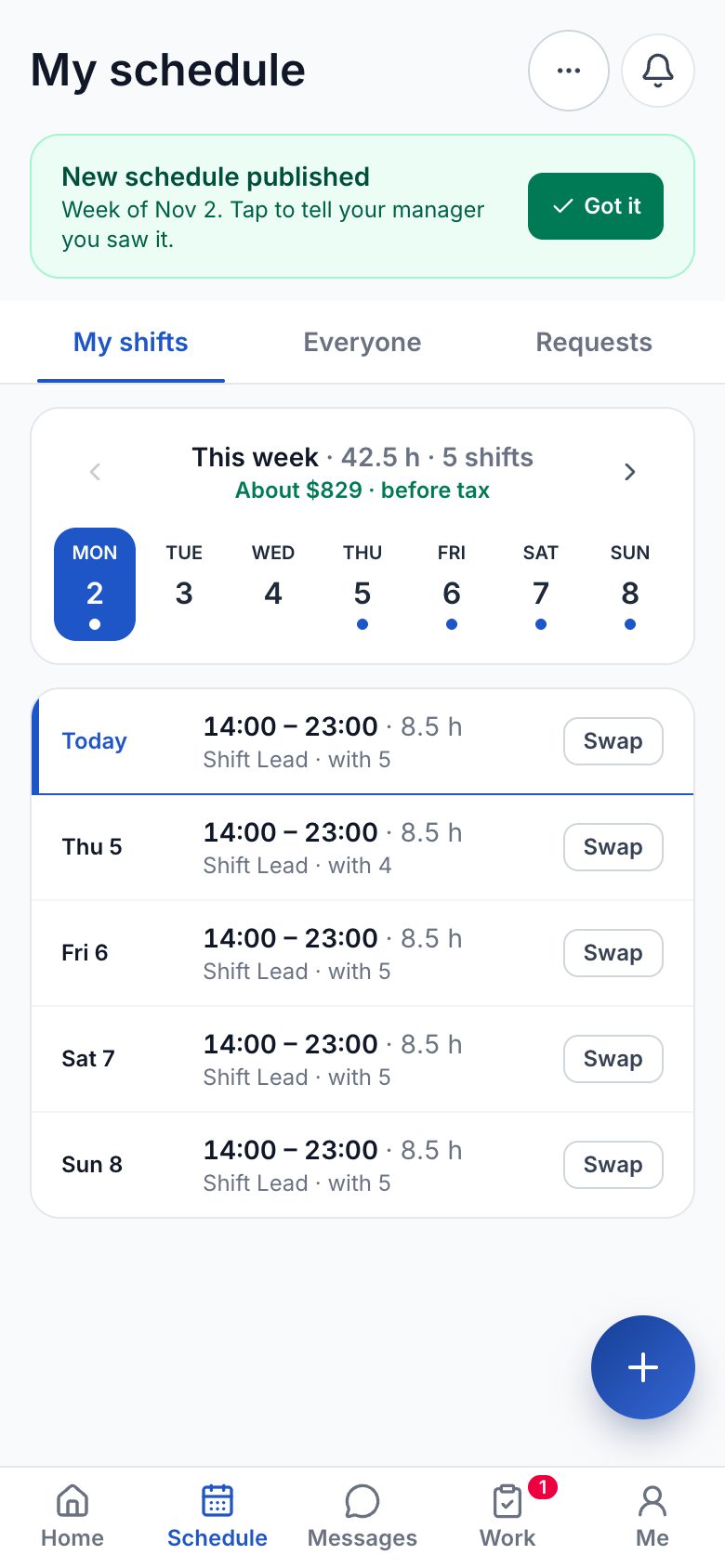
- Work
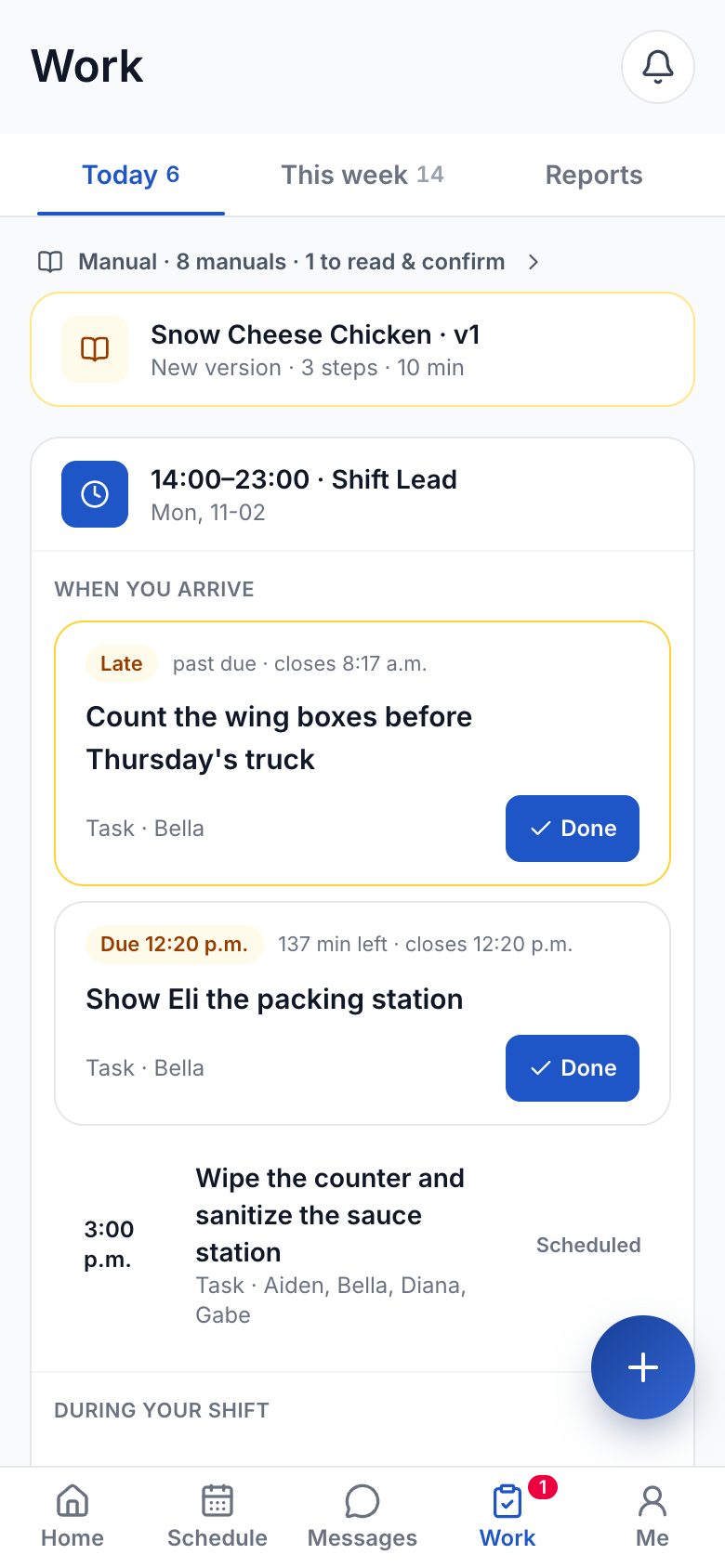
- Messages
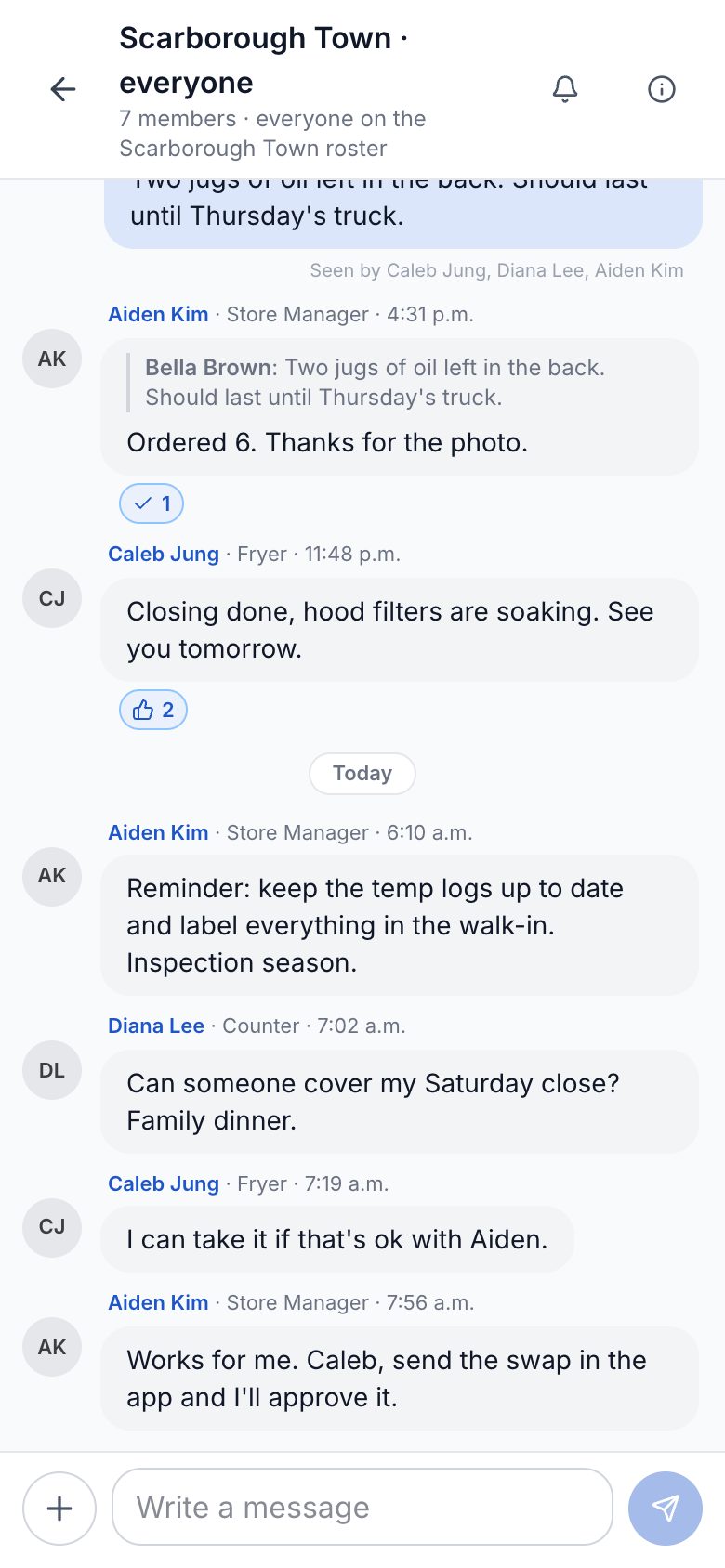
- Announcements
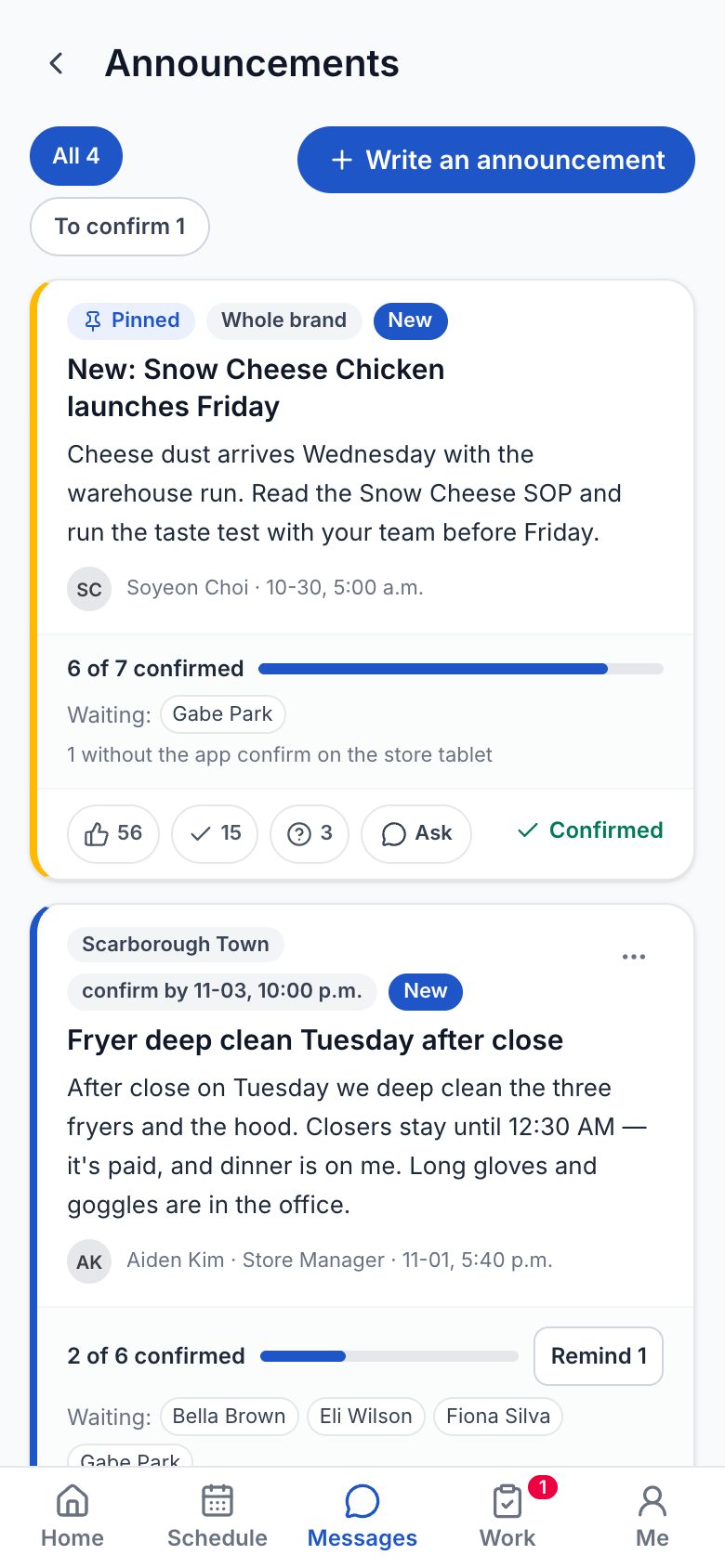
- Shifts and swapsTheir week, open shifts, swaps and time off — the manager approves.
- Today's tasks, with photosThe checklists and jobs for their shift, finished with a photo.
- Store chat and announcementsA room per store, announcements they confirm, quiet after hours.
- ManualsStep-by-step how-tos with photos, right next to the job.
Questions
Who gets a login?
Your store invites you. When your manager adds you to the team with your email, the app lets you in — there is no sign-up in the app itself.
How do I sign in?
With your email and password, or with Google. No password yet, or forgot it? The sign-in screen emails you a link.
Does it work on my phone?
Yes — iPhone from the App Store and Android from Google Play. It also opens in your phone's browser at my.aiofranchise.com.
Does it cost anything?
No. AIO Team is free for staff; the store pays for AIO.
Which language?
English or Korean — each person picks their own under Me.
Running a store? See what your team would use.
A 30-minute call on the real screens — the app, the store tablet and the console.